Bonuses
The Bonuses tab allows management of bonuses from a summary view.
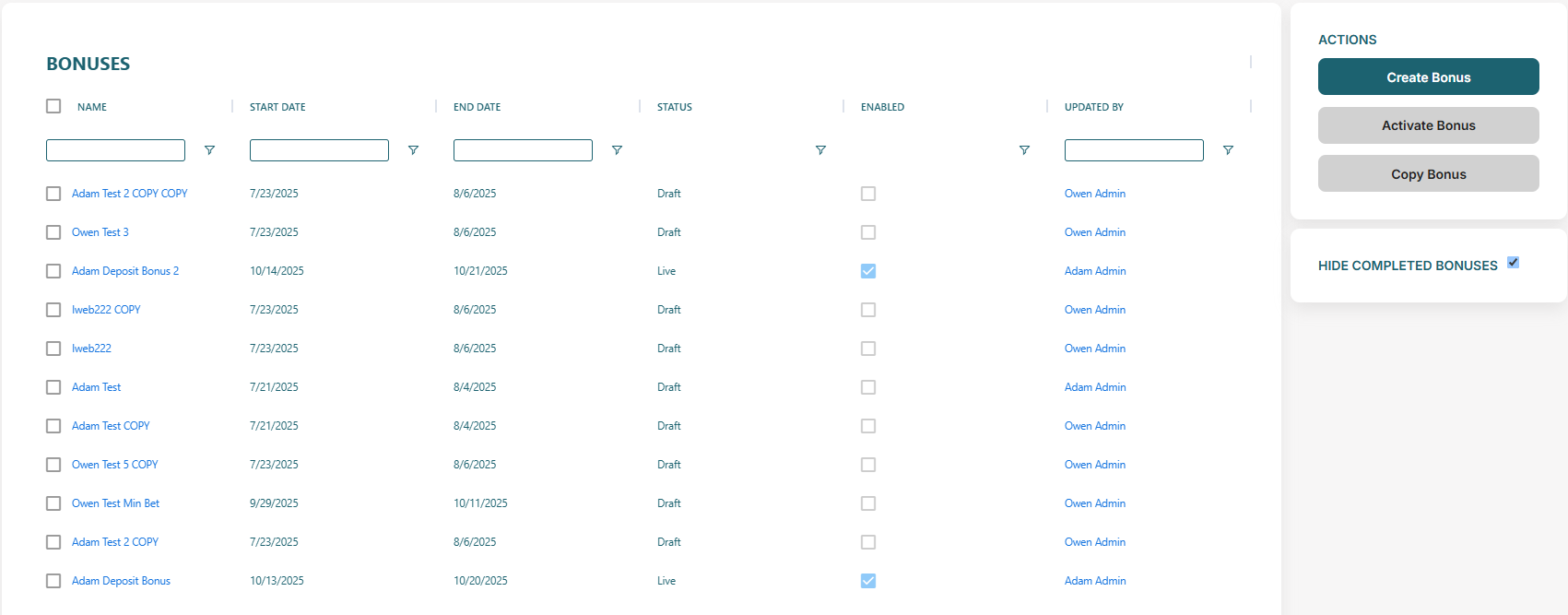
Fields include the name of the bonus, start date, end date, status (draft/live), enabled status and the user to last updade the bonus. Click in the name of a bonus to enter View Bonus.
Top Tip
A bonus must be 'Live' and enabled to be allocated to a player.
Actions
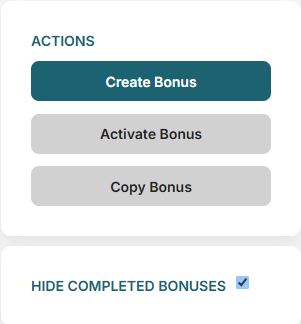
Figure 1: Bonuses Action Panel
Actions
- Create Bonus — click to create new bonus in the Create Bonus screen.
- Activate Bonus — move a bonus from 'Draft' to 'Live' for allocation to players and CRM visibility.
- Copy Bonus — create a copy of an existing bonus.
Hide Completed Bonuses
- Uncheck to show bonuses that have passed the configured end date.